
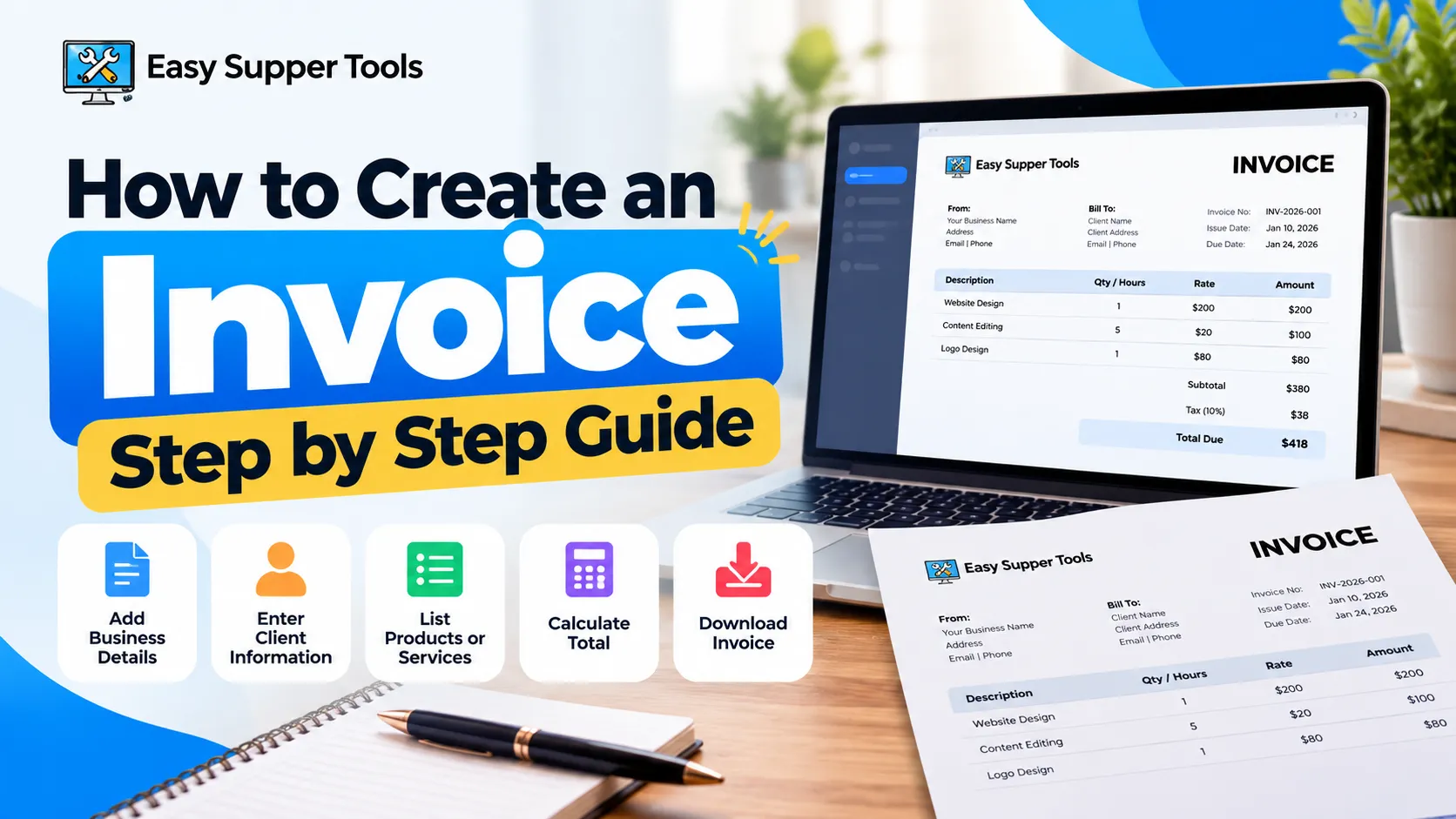
If you’re trying to figure out how to create an invoice, start with the basics. An invoice should clearly show who is charging whom, what product or service was provided, how much is owed, and when the payment is due.
You don’t need accounting software just to make a straightforward invoice. For many freelancers and small businesses, a browser-based invoice generator is enough. Add your business details, enter the client’s information, list the work or products, check the total, and download the finished invoice.
The actual process is pretty simple. The part that needs attention is getting the details right. A wrong client name, unclear service description, or missing due date can create unnecessary back-and-forth later.
This guide explains how to create an invoice from start to finish, including what to include, how to number invoices, how to calculate totals, and what to check before sending one.
What Is an Invoice and Why Do You Need One?
An invoice is a document sent to a customer or client requesting payment for products or services. It gives both sides a written record of what was provided and how much needs to be paid.
For example, a freelance designer may send an invoice after finishing a logo project. A repair business might invoice a customer for labor and replacement parts. The format can vary, but the purpose is basically the same.
Invoices also make record keeping easier. Instead of trying to remember which client owes what, you have a numbered document showing the amount, date, and payment terms.
An invoice isn’t the same as a receipt. The invoice normally requests payment. A receipt generally confirms that payment has already been made.
When learning how to create an invoice, keeping that difference clear makes the rest of the process easier.
What Information Do You Need Before Creating an Invoice?
It’s easier to create an invoice when you have everything ready before you start filling out the form.
At minimum, gather your business or freelancer name, contact details, client information, a description of the work, rates, quantity or hours, and the payment due date.
You’ll usually need:
- Your name or business name
- Business address, when applicable
- Email or other contact information
- Client or customer name
- Client billing details
- A unique invoice number
- Invoice issue date
- Payment due date
- Product or service descriptions
- Quantity or hours
- Price or rate
- Applicable tax
- Discounts, if any
- Payment instructions
- Final amount due
The exact legal and tax information required can differ depending on where you and your business operate.
Stripe’s invoice creation guidance also covers business information, customer details, unique invoice numbers, dates, itemized charges, totals, and payment instructions as core parts of the invoicing process.
So before thinking too much about design, make sure the information itself is accurate.
How to Create an Invoice Step by Step
The easiest way to understand how to create an invoice is to go through the process once. You can do it manually, use a document template, or use an online generator.
Step 1: Open an Invoice Generator
Start with the Easy Supper Tools Free Invoice Generator if you want to create the invoice directly in your browser.
There’s no need to overcomplicate this part. For a normal client invoice, you mainly need a clean form where you can enter the relevant information and prepare the finished document.
Step 2: Add Your Business Details
Enter your name or company name, address, email, and any other business information the client may need.
Use the same business name and contact details consistently across your invoices. It looks cleaner and makes older invoices easier to recognize.
Step 3: Enter the Client Details
Add the correct client or company name and billing information.
Double-check spelling. Sending an invoice to the wrong email address or using the wrong company details can easily delay payment.
Step 4: Add the Invoice Number and Dates
Give the invoice a unique number. Then add the date you created it and the date payment is due.
For example:
INV-2026-001
A consistent numbering system becomes more useful as you send more invoices.
Step 5: List the Products or Services
Write each service or product clearly.
Instead of something vague like:
Work completed
Use something more specific:
Website homepage design
or:
5 hours of content editing
The client should be able to understand the charge without asking what it refers to.
Step 6: Check the Total
Review quantities, rates, discounts, taxes, and the final amount.
Even when a calculator or invoice generator handles the math, it’s worth checking the numbers once yourself.
Step 7: Download and Review the Invoice
Download the finished invoice, preferably in a format that keeps the layout consistent, such as PDF.
Open the file once before sending it. This final check is an easy step people skip when learning how to create an invoice, but it catches a lot of small mistakes.
What Should a Professional Invoice Include?
A professional invoice doesn’t need an elaborate design. It needs to be clear.
When deciding how to create an invoice, focus on whether the client can quickly answer three questions: What am I paying for? How much do I owe? When do I need to pay?
A useful invoice normally includes:
- Your business or freelancer details
- Client information
- Unique invoice number
- Invoice issue date
- Payment due date
- Itemized products or services
- Quantity or hours
- Rate or price
- Subtotal
- Applicable taxes or discounts
- Total amount due
- Payment instructions
You can also include project references, purchase order numbers, or a short note when they are relevant.
Avoid adding information simply to make the invoice look more official. Too much unnecessary text can actually make the important details harder to find.
Tax and legal invoice requirements aren’t identical everywhere, so check the applicable rules for your own location and business type.
How Should You Choose an Invoice Number and Due Date?
Invoice numbers help you keep records organized. They also make it much easier to discuss a specific invoice with a client.
You don’t need a complicated system.
You might use:
INV-001
INV-2026-001
CLIENTA-001
The main thing is consistency. Each invoice should have its own identifier, and you shouldn’t casually reuse old invoice numbers.
The due date needs the same level of clarity.
Common payment arrangements include:
- Due on receipt
- Payment within 7 days
- Payment within 15 days
- Payment within 30 days
If you’re learning how to create an invoice for clients, putting the actual calendar date on the invoice can make things clearer.
For example, instead of only writing:
Net 30
you could write:
Payment due October 23, 2026
That leaves less room for confusion about when the payment is expected.
How Do You Calculate an Invoice Total Correctly?
The basic math is usually simple.
For each line item:
Quantity × Rate = Line Total
If you worked 5 hours at $40 per hour:
5 × $40 = $200
Add all line totals together to get the subtotal.
Then account for anything else that applies:
Subtotal + Tax + Fees – Discounts = Total Amount Due
For example:
Service subtotal: $200
Applicable tax: $20
Total due: $220
When figuring out how to create an invoice, don’t add tax automatically unless you know it applies to the transaction. Tax requirements depend on location, business registration, product or service type, and other factors.
Also check that any agreed discount has actually been included.
Small calculation errors can cause awkward conversations, especially when the client has already approved a price. That’s one reason an invoice generator can be useful. It reduces the amount of manual calculation while keeping the charges visible enough to review.
What Payment Terms Should You Put on an Invoice?
Payment terms tell the client what happens after they receive the invoice.
At minimum, include the due date and enough information for the client to know how to pay.
Depending on the arrangement, that might include:
- Bank transfer details
- Accepted payment methods
- Currency
- Online payment instructions
- Payment reference
- Due date
- Agreed late-payment terms
- Purchase order reference
Keep this section simple.
Writing “payment due soon” isn’t very useful. A specific date is better.
If the client needs to include your invoice number with the payment, say so. If you expect payment in USD rather than another currency, make that clear too.
QuickBooks’ current invoicing workflow similarly includes adding the customer and products or services, setting payment options, and sending or saving the completed invoice.
The more obvious the next step is, the less likely you’ll need another email explaining how payment should be made.
How Do Freelancers and Small Businesses Create Invoices?
For freelancers, how to create an invoice usually comes down to documenting the project clearly and giving the client an easy way to understand the bill.
Say you’re a freelance writer. Your invoice might include:
4 blog articles × $150 = $600
A consultant might use:
Consulting services, 6 hours × $75 = $450
A designer working on a fixed-price project could simply write:
Brand identity design package = $800
There’s no need to make the description sound complicated. Write enough for both you and the client to remember exactly what the charge covered.
Small businesses can follow the same approach for products, repairs, maintenance, marketing work, development, or other services.
If you only send invoices occasionally, setting up a full accounting platform may be more than you need. A simple browser-based tool can be quicker for individual invoices.
Easy Supper Tools also keeps its invoice generator within its broader Finance Tools section, which can be useful when you’re looking for straightforward business-related calculators and utilities in one place.
What Are the Most Common Invoice Mistakes?
Most invoice problems aren’t complicated. They’re usually small details that weren’t checked before the file was sent.
One common mistake is forgetting the invoice number. Another is putting the wrong client name or email address on the document.
Other issues include:
- Missing payment due date
- Incorrect rates
- Calculation errors
- Vague service descriptions
- Missing payment instructions
- Wrong currency
- Inconsistent invoice numbering
- Forgotten discounts
- Incorrect tax amounts
- Sending an outdated invoice version
- Using an unclear file name
- Sending the invoice long after the work was completed
File names matter more than people sometimes think.
invoice.pdf
works, but six months later it isn’t very helpful.
Something like:
Invoice-INV-2026-014-ClientName.pdf
is much easier to identify.
When learning how to create an invoice, build a quick review into your routine. Check the client, invoice number, charges, total, due date, and payment details before sending.
It takes less time than correcting an invoice after the client spots the mistake.
Frequently Asked Questions About Creating an Invoice
Can I create an invoice for free?
Yes. If you only need a basic invoice, you can use a free online invoice generator rather than paying for full accounting software. Easy Supper Tools provides a browser-based option for preparing an invoice and downloading the finished document.
The important part isn’t whether the tool is free or paid. Make sure the final invoice includes accurate business details, client information, charges, dates, and payment instructions.
Can I create an invoice without a company?
In many cases, freelancers and independent service providers issue invoices under their own name rather than a separate company name.
If you’re working out how to create an invoice as an individual freelancer, you can generally start with your own professional contact details and the client’s billing information.
However, business registration, tax, and invoicing requirements vary by jurisdiction. Check the rules that apply where you operate rather than assuming the same requirements apply everywhere.
What is the difference between an invoice and a receipt?
An invoice normally requests payment. A receipt normally confirms that payment has already happened.
For example, you may send a $500 invoice after completing a project. Once the client pays, a receipt can document that the $500 payment was received.
They serve related purposes, but they aren’t interchangeable.
Do invoices need an invoice number?
Using a unique invoice number is a good record-keeping practice and may also be required under some local invoicing or tax rules.
The number lets you quickly identify a specific transaction. It becomes particularly useful when a client says, “We have a question about invoice INV-2026-018.”
If you’re learning how to create an invoice for ongoing client work, start a consistent numbering system early instead of trying to organize old invoices later.
Should I send an invoice as a PDF?
PDF is a practical format for many invoices because the layout normally stays consistent when the file is opened on different devices.
It is also easy to attach to an email, store in a folder, or send to someone who handles the client’s accounts.
Before sending the PDF, open it yourself. Check the total, dates, client information, and page layout. A file that looked fine inside the generator can still deserve one final review after download.
Knowing how to create an invoice isn’t really about making a fancy document. It’s about giving the client clear information without leaving obvious questions unanswered. Add the correct business and client details, describe what you’re charging for, check the numbers, set a clear due date, and explain how payment should be made. Once you’ve done that, review the invoice one more time before sending it. After you’ve gone through the process a few times, figuring out how to create an invoice becomes a routine part of getting your work billed and recorded properly.